An eCommerce website is an online platform that provides the means to exchange goods and services for payment. It is built to connect shoppers to products or services. On the most basic level, they provide everything a customer needs to shop online.
Payment Solutions
Securely process payments from credit cards to digital wallets.
Professional Invoices
Generate and track branded, tax-compliant invoices and payment status.
Custom Price Quotes
Send professional, itemized quotes that clients can accept in one click.
Mobile POS
Take in-person payments that sync directly with your online inventory.
Currency Converter
Automatically displays prices in the local currency for international shoppers.
Coupons & Discounts
Drive sales with flexible promotional codes and seasonal offer logic.
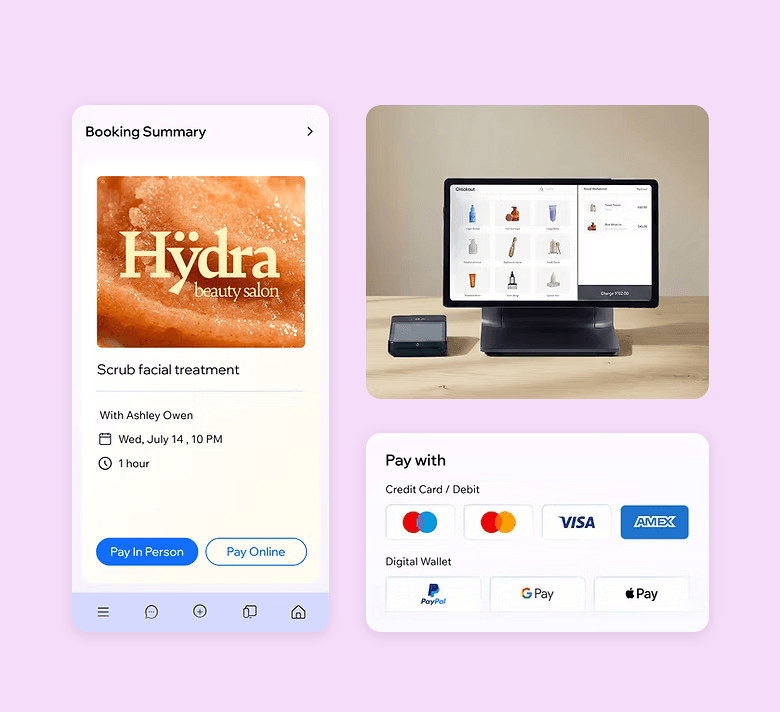

Scheduling System
Manage bookings and appointments with a professional, automated calendar.
Custom Forms
Build data-collection forms for leads, surveys, or registrations.
Workflow Automations
Set "If/Then" triggers to handle repetitive tasks and follow-ups instantly.
Private Members Area
Provide a dedicated space for customers to manage their profiles and orders.
Community Forum
Build an active brand community with moderated discussion boards.
Wix File Share
Securely share documents, assets, and folders with your clients.
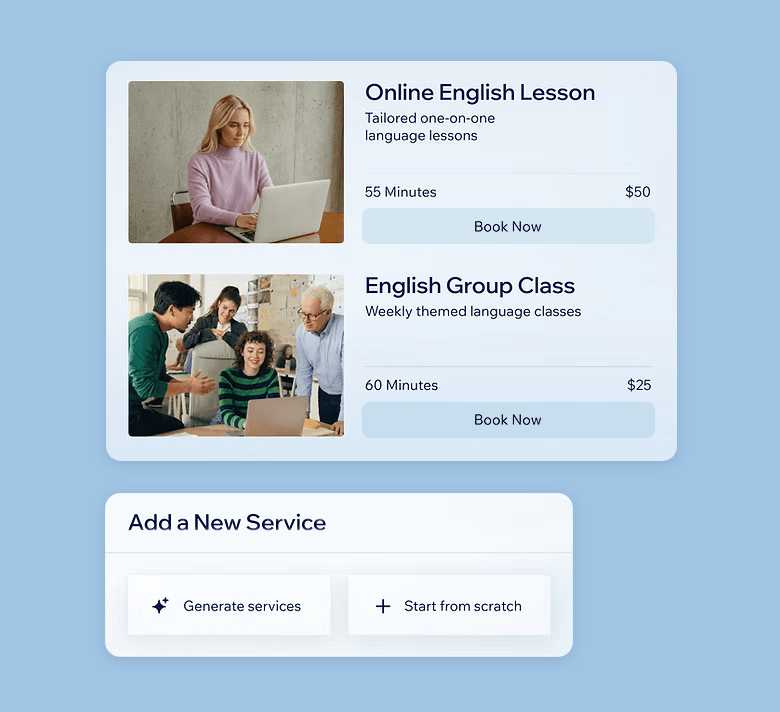
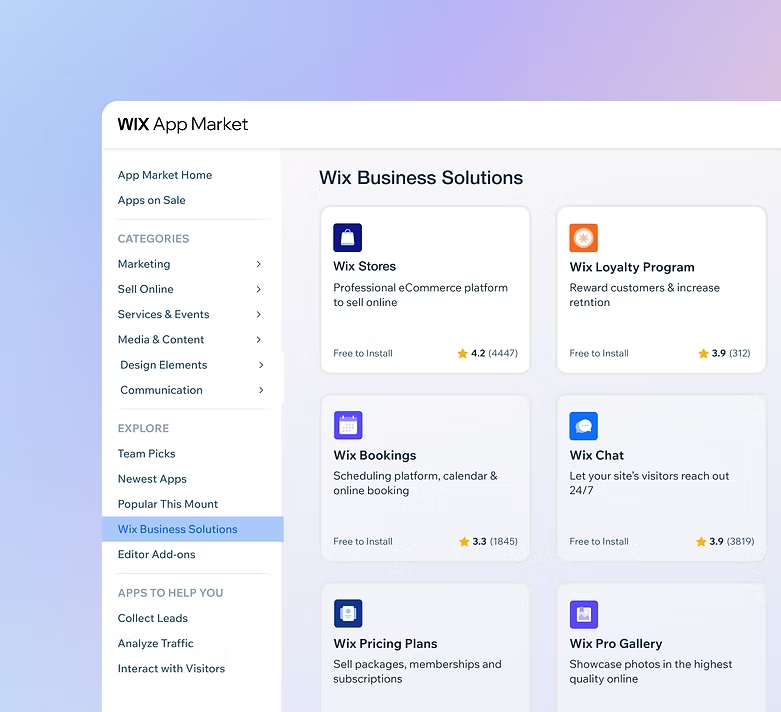
Wix Owner App
Run your entire business from your phone with real-time mobile management.
Live Customer Chat
Engage customers in real-time to solve queries and close sales instantly.
Sell & Rent Video Content
Monetize your content by offering videos for rent, purchase or subscription.
Centralized CRM
Track every customer interaction and lead in one unified dashboard.
Branded App Builder
Create a custom mobile app for your business to increase loyalty.
Pay Stub Generator
Instantly create professional, branded pay stubs for your employees.
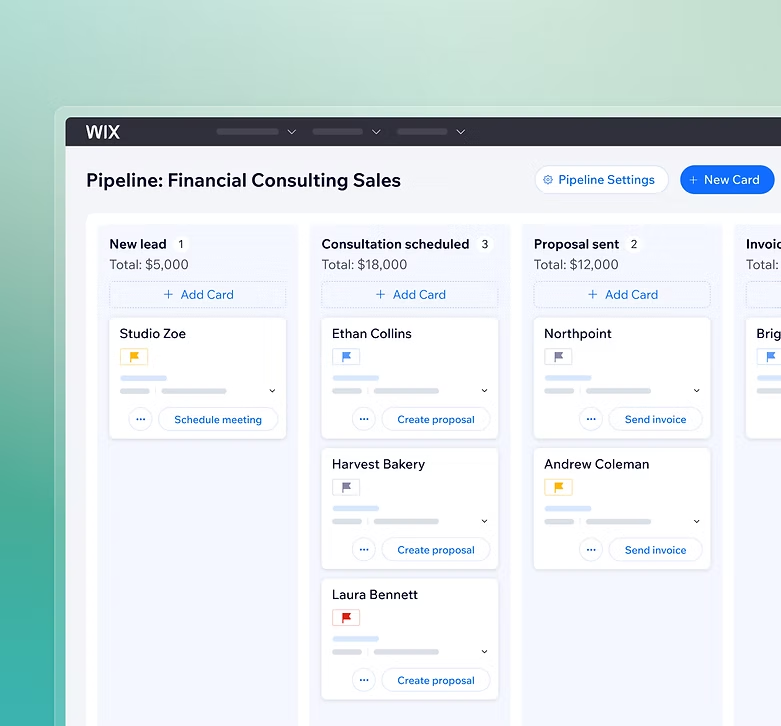
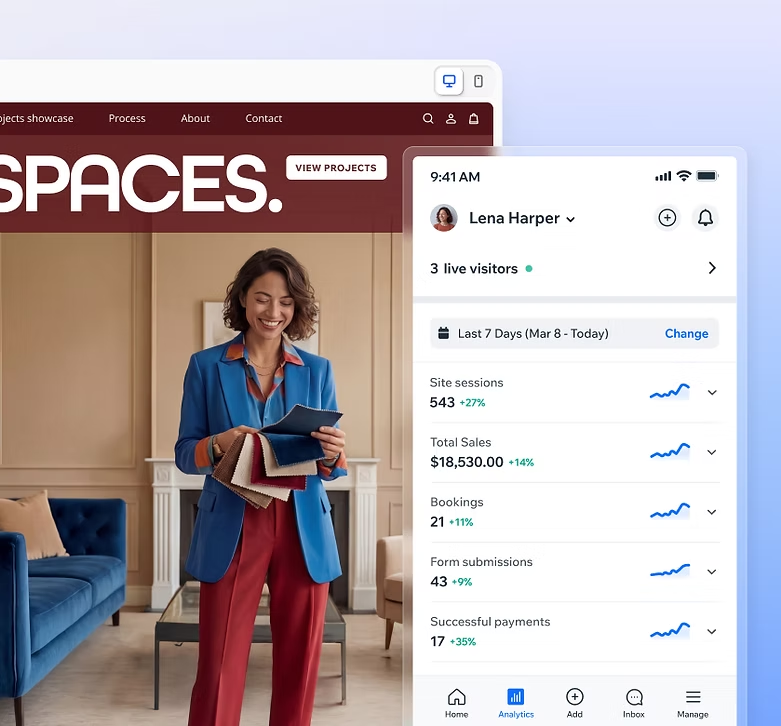
Advanced Analytics
Access deep-dive data on visitor behaviour, sales trends, and site health.
Plans & Memberships
Sell recurring subscriptions or gated access to exclusive site content.
Loyalty Programs
Reward repeat customers with points, tiers, and exclusive perks.
Logo Maker
Build a professional, cohesive brand identity with a custom logo design.
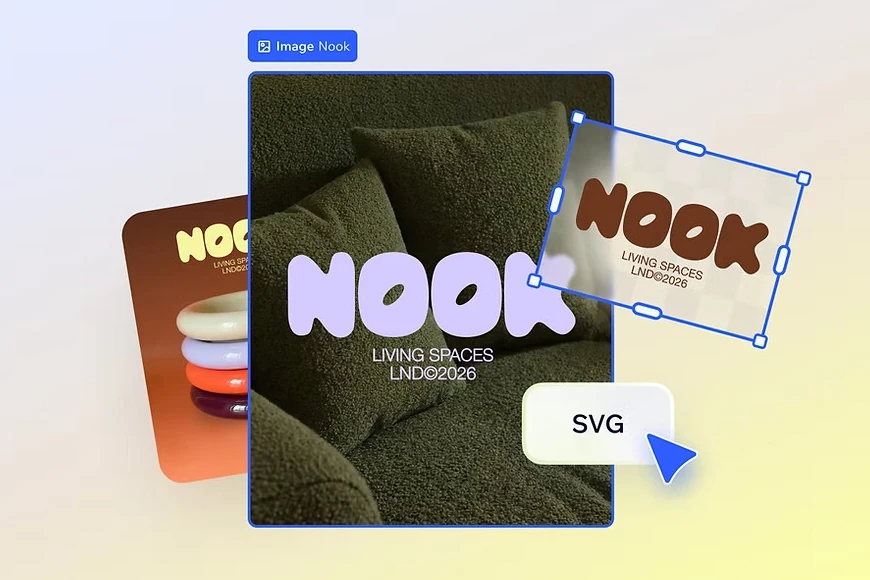
SEO Tools
A suite of professional tools to ensure your site is built for search engine dominance.
Email Marketing
Design and automate high-conversion email campaigns for your audience.
Pro-Grade Scaling
Available for ALL plans. Upgrade for higher send volumes, advanced analytics and more.
Upgrade my email marketing
Google Business Profile
Manage your local search presence and reviews through a direct integration.
Google Ads with Wix
Create and manage high-intent search campaigns directly from your dash.
Social Media Ads
Launch and track targeted campaigns on Facebook and Instagram.
Instagram Feed
Bridge the gap by displaying your live social content on your storefront.

Link in Bio
Create a high-converting mini-site for your social media profiles.
Business Card Maker
Design and order professional physical cards that match your brand.
Marketing Integrations
Seamlessly connect your site to tools like Google Analytics and more.
QR Code Generator
Drive offline traffic to your site with custom, brand-aligned QR codes.
Ready to start the engine?
The infrastructure is in place, the tools are integrated, and the logic is sound. All that’s missing is your direction. Step into the dashboard of a business built to scale without the technical friction.
You've seen how the engine works, but how does it handle your specific business? Next, explore the industry-tailored solutions Wix provides.
Frequently Asked Questions
- Choose a domain name for your store that represents your brand. Make it short, easy to remember and something that is SEO (Search Engine Optimization) friendly so that you will show up organically in search engine results.
- Choose the best eCommerce Wix plan that will suit your business needs. You have 3 options to choose from: Core, Business, and Business Elite. Look carefully at each plan and think about what your future needs may be and if the plan will allow you to grow your business the way you want.
- Use either the Wix ADI or the Wix Editor to design your website. With the Wix Editor, you have over 120 designer-made eCommerce templates to choose from.
- Add the products you want to sell. If you're selling tangible items, you'll want to have high quality images of your products. You can opt to hire a photographer to do this for you, or there are many product photography tutorials on the internet that you can use to help get the quality images you need.
- Connect to payment providers and set up shipping rules. With Wix, you can activate Wix Payments to instantly start accepting all the major credit/debit cards, alongside digital wallets and other popular forms of payment. Wix Payments also lets you manage your entire business from one place, whether you're looking to review orders or schedule your payouts. With Wix, you can run your store in Canadian currency, add retail sales tax like HST/GST/QST/PST, control sales tax by province, add real-time shipping rates from Canada Post, automate emails after purchase and ensure compliance with Canada's Anti-Spam Legislation.
- Set up shipping and delivery. While offering a variety of payment methods will help you convert shoppers, an outstanding shipping and delivery experience will help bring them back to you and refer you to their friends.
- Publish your eCommerce site and start attracting customers!
A site collaborator or contributor is someone that the Account Owner has invited to work on a site. The Account Owner can add teammates (collaborators or contributors) to their account, and assign them different roles, permissions and access levels.
No, you do not need a separate hosting plan or SSL certificate if you use Wix to build and host your website. Wix provides web hosting and SSL certificates as part of its all-in-one website builder platform.
When you create a website with Wix, your website is automatically hosted on Wix's servers, which means that you do not need to purchase separate web hosting with Webnames. Wix also includes an SSL certificate with both plans, which helps ensure that your website is secure and encrypted.
Wix's SSL certificate provides HTTPS encryption for your website, which is important for protecting sensitive information such as passwords, credit card details, and other personal data. This is especially important if you are running an online store or collecting customer information through your website.
You can track and analyze your site's performance directly within your Wix dashboard using the built-in Wix Analytics tool. To access it, go to your site's dashboard and click on "Analytics & Reports." Here, you can view key metrics like visitor count, traffic sources, popular pages, and user behaviour. For more advanced tracking, you can integrate Google Analytics (or a similar tool) by adding your GA4 measurement in Wix's "Marketing Integrations" settings. This allows for deeper analysis and campaign tracking beyond Wix's native tools.
{{domainHosting.data.name}}
Selected
Searching...
Sorry, no available domains match your search term. Please try a different search.
Try one of these domains:
{{domain.data.name}}
Selected
* about free domain names included in hosting plans.
* about free domain names included in Wix Website Builder plans.